JobScoutly Review (2026)
Last tested: July 2026
Quick verdict
Of the builders we've tested, JobScoutly is the one where AI optimization, ATS-friendly templates, and unlimited downloads are all free — there's no premium tier to upsell you into. The tradeoffs are real, though: a smaller template library than design-first tools, fewer design controls than FlowCV, and no cover letter builder.
Best for: Free AI tailoring across many applications
Not for: The widest template library
What is JobScoutly?
JobScoutly is a web-based resume builder organized around one workflow: tailoring your resume to a specific job description. You build (or upload) a resume, paste a posting, and the platform's AI compares the two — flagging missing keywords and skills and suggesting rewrites to close the gap.
Its pricing model is the unusual part: there isn't one. No premium tier exists — AI features, templates, and unlimited PDF exports are all included in the free account, which makes the usual 'what does free actually include' investigation short.
| Free plan | Everything — AI, ATS templates, unlimited resumes and downloads |
|---|---|
| Free PDF export | Yes |
| Watermark | None |
| Credit card required | No |
| AI features | Free |
| Starting price | Free (no premium tier) |
| Website | jobscoutly.com |
What we tested
We built a resume from scratch, uploaded an existing resume to test reformatting, ran the AI tailoring against a real job description, and exported PDFs repeatedly — checking for watermarks, limits, and payment prompts. We compared the same tasks on competing tools under identical rules. Facts were verified as of our last-tested date.
Hands-on experience
The core loop works the way tailoring advice says you should work: paste the job description, see which of its keywords and skills your resume is missing, fix them, export. That loop — normally the headline paid feature on other platforms — is free here, and it's the reason to pick JobScoutly over a plain editor.
The AI writing help drafts and polishes section content; like every AI writer we tested, its output is a strong first draft that still needs your specifics. Uploading an existing resume reformats it into a clean template you can keep editing, which beats retyping.
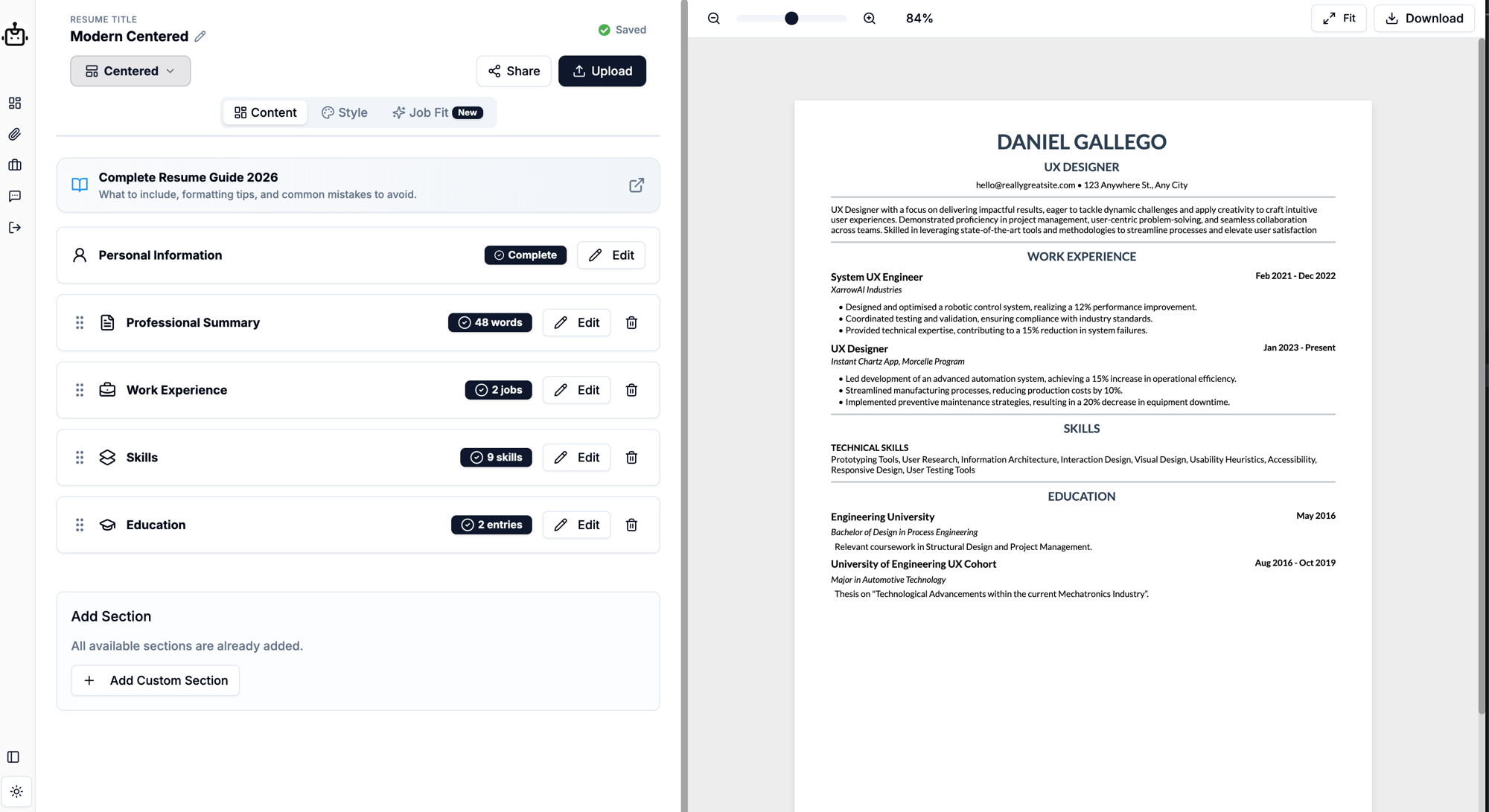
Editor-wise it's straightforward section-by-section editing with a live preview. It's less of a design playground than FlowCV — fewer knobs for fonts, spacing, and colors — with the flip side that it's hard to accidentally produce an un-parseable layout.
Templates and ATS-friendliness
Templates are single-column and ATS-friendly by default — standard headings, real text, clean PDF output. The focus is clearly parseable-over-decorative, which is the right default for online applications and the wrong one if you want a visually distinctive document for human-first contexts.
- Single-column, ATS-oriented templates by default
- Smaller library than Canva or Kickresume
- Fewer fine-grained design controls than FlowCV
- Resume upload and reformatting included
Pricing and free plan reality
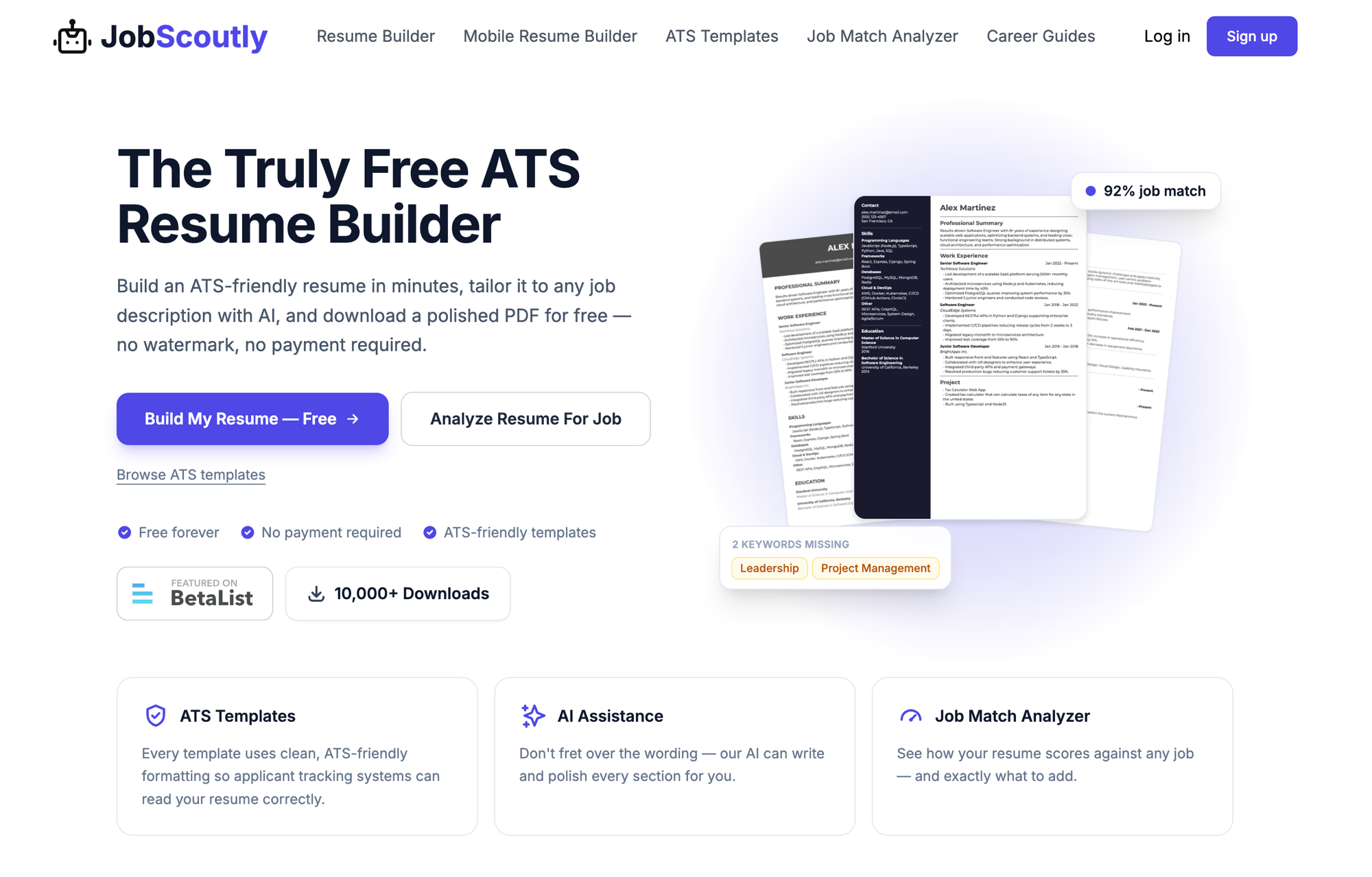
There is no premium tier — every feature is available at no cost. Unlimited resumes, unlimited PDF downloads, no watermark, no credit card. We exported repeatedly without hitting any wall. A free account is required, which is how resumes persist across devices.
| Plan | Price | What you get |
|---|---|---|
| Free (only plan) | $0 | Unlimited resumes · AI writing & job-description tailoring · ATS templates · unlimited PDF downloads · no watermark · account required |
What's missing
The template library is smaller than the design-first tools' — if you want dozens of visual styles, Canva or Kickresume serve that better — and FlowCV offers deeper design controls (fonts, colors, spacing) if fine-grained customization matters to you. There's also no cover letter builder, so a matched resume + letter package means using another tool for the letter.
Who should use JobScoutly?
- Active applicants tailoring per role — unlimited versions plus free keyword analysis is the exact toolkit for it
- Budget-zero job seekers — the entire feature set costs nothing
- ATS-anxious applicants — parseable output is the default, not an option
- Not for design-driven applications — pick a design-first tool when visual distinctiveness matters
Pros and cons
Pros
- + AI resume tailoring is completely free
- + ATS-friendly templates by default
- + Unlimited PDF downloads with no watermark
- + No premium tier, no credit card required
Cons
- − Smaller template library than design-first tools
- − Fewer design customization controls than FlowCV
- − No cover letter builder
Top alternatives
- FlowCV — deeper design customization, if you only need one resume and no AI
- Kickresume — a much larger template library and matching cover letters, if you'll pay for premium
Final verdict
JobScoutly wins the specific race it entered: everything free, tailored to the ATS-era application. If your search is volume + tailoring on a budget of zero, it's the strongest pick in our lineup. If your priorities are design variety, deep customization, or a matched cover letter, the alternatives above each beat it at their specialty. See the full ranking in best free resume builders or the category view at resume builders.
Frequently asked questions
Is JobScoutly really free?
Yes — in our testing there was no premium tier. AI tailoring, ATS-friendly templates, unlimited resumes, and unlimited PDF downloads were all available at no cost, with no credit card required.
Does JobScoutly watermark downloads?
No. PDF exports in our testing were clean, with no watermark and no download limits.
What are JobScoutly's main limitations?
A smaller template library than design-first tools like Canva or Kickresume, fewer design controls than FlowCV, and no cover letter builder yet.
Can I upload an existing resume to JobScoutly?
Yes — you can upload your current resume and it gets reformatted into a clean, ATS-friendly template that you can continue editing and tailoring.
How does JobScoutly's job-description matching work?
You paste a job posting and the AI compares it against your resume, flagging missing keywords and skills and suggesting rewrites. It's the workflow most paid tools charge for, included free.
This review follows our published testing methodology — real signups, tested free plans, and export checks — under our editorial policy. Facts current as of the last-tested date; tell us if something changed.